
St. Lucie County Arrest Records
St. Lucie County arrest records begin with the agency that took a person into custody. That may be the St. Lucie County Sheriff's Office, Port St. Lucie Police Department, Fort Pierce Police Department, Florida Highway Patrol, Florida Fish and Wildlife Conservation Commission, or a school or campus police agency. The arresting office keeps the incident report and probable-cause narrative. After transport, the county jail records identity data, fingerprints, the booking photograph, initial charges, bond, housing, and release details. Those files are related, but they are not interchangeable.
A full St. Lucie County arrest search may also reach the Clerk and the Florida Department of Law Enforcement. The Clerk holds the prosecution once a case is filed. FDLE links fingerprint-supported arrest cycles and reported dispositions across Florida. A Sheriff roster entry proves that a booking occurred, not that the State Attorney filed the same count or that a court found guilt. That distinction matters when a charge is declined, reduced, replaced, dismissed, or resolved without a conviction.
Search Today's St. Lucie Bookings
The official St. Lucie County jail search accepts a partial first or last name. Entering a percent sign in the last-name field returns all listed inmates, and the Only Today's Bookings control narrows results to current-day intake. A visitor must accept the disclaimer before running the search. Results can change fast, so the Sheriff warns that the data is informational and may contain errors.
The live profile can show an inmate ID, age, arresting agency, booking date and time, housing unit, expected release, booking-offense count, charge status, count-level bond, and total bond. It does not reliably show a full probable-cause narrative, warrant number, next court date, or complete statute citation. Use the arresting agency report and Clerk file for those details.
How to Search St. Lucie Arrests
No single St. Lucie County arrest database answers every question. Start with the channel closest to the event, then use the next source to confirm custody, the filed charge, and the final result. A name, event date, location, report number, and arresting agency make a focused request easier to process.
- Check the live jail search, first with Only Today's Bookings, then with a partial name or the percent-sign method. Review the official five-day release report if custody has ended.
- Search the Sheriff's Archive Center by keyword, archive, time period, or date range for older Daily Arrest Reports.
- Search the St. Lucie Clerk case portal for a filed prosecution. Allow time for State Attorney screening, and compare counts one by one.
- Request the incident or arrest report from the agency that made the arrest. Use the Sheriff portal, Port St. Lucie city channel, Fort Pierce city channel, or the relevant state agency.
- Use FDLE CCHInet for a statewide public name search, or submit fingerprints through FDLE Personal Review to inspect and challenge your own Florida record.
When an online search fails, call the Sheriff's records custodian at 772-462-3299 or request an existing record through the formal portal. The agency need not create a new report, answer research questions, or disclose exempt active-investigation, juvenile, victim, biometric, or medical information.
St. Lucie Sheriff Record Requests
The Sheriff's public-records portal separates Background Checks, Inter-Agency Requests, and Public Records. Complete the identifying fields and details as precisely as possible. A request number and security key let the requester track status. The office publishes no guaranteed completion time, and extensive technology, clerical, supervisory, or legal review can add charges.
The official Sheriff source shows the request choices and fee schedule:
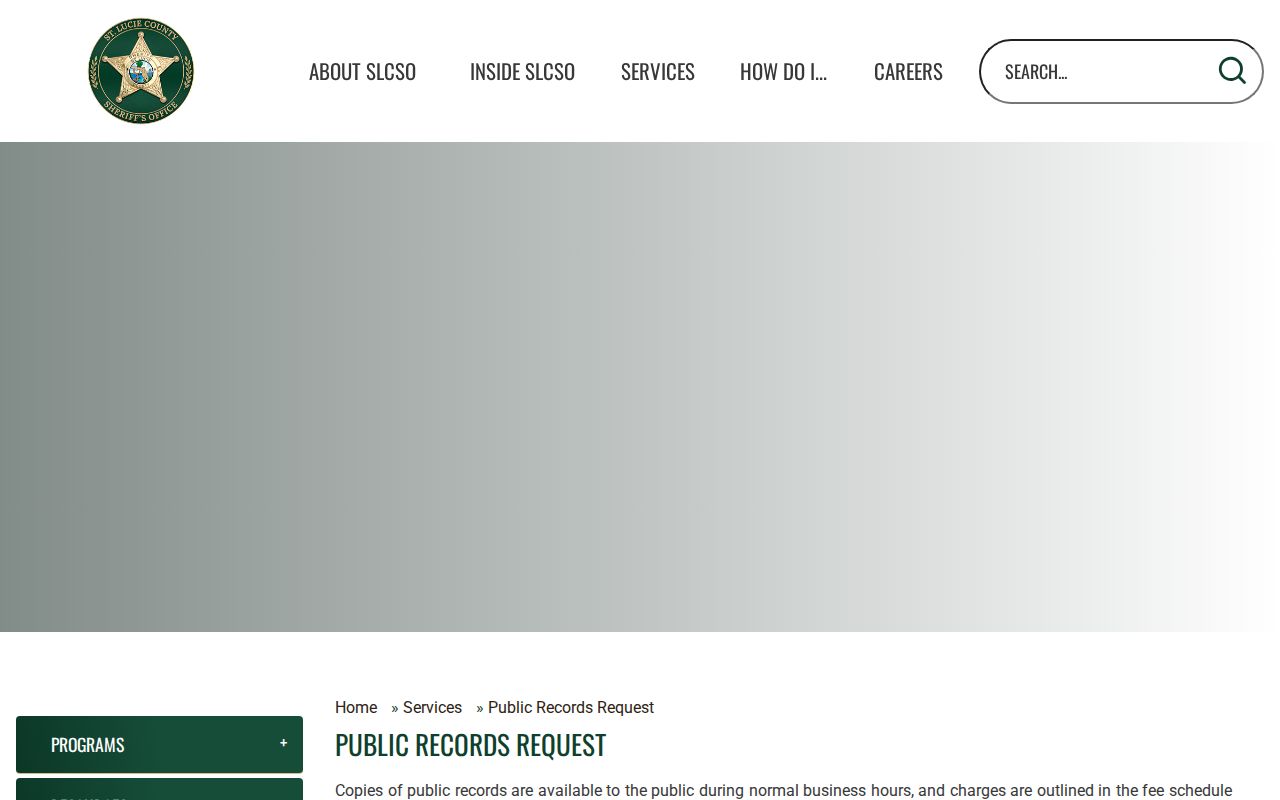
This screen is useful when a live booking result lacks the report narrative or when an older St. Lucie County arrest record no longer appears in the roster.
St. Lucie County Sheriff's Office
Records Custodian
4700 W. Midway Road
Fort Pierce, FL 34981
772-462-3299
What St. Lucie Arrest Records Show
The incident report, jail profile, and state criminal-history cycle expose different fields. Read the source label before drawing a conclusion. A booking charge reflects intake, while the Clerk's filed count reflects the prosecutor's later decision.
| Inmate ID | Identifies the jail profile and helps distinguish similar names. |
|---|---|
| Booking Date & Time | Shows when jail intake was recorded, not when guilt was decided. |
| Arresting Agency | Points to the office that holds the incident report and arrest narrative. |
| Charges | Lists initial booking counts and status labels such as Pending, Nolle Prosequi, or No Information. |
| Bond | Shows count-level amounts and total bond when entered. |
| Booking Photograph | The Sheriff lists copies at $5 each; a photograph documents intake, not guilt. |
| Release Status | May show expected or completed release, with the separate report covering five days after release. |
Not every public profile contains height, weight, eye or hair color, a magistrate, a next court date, or full statute text. Ask the correct custodian rather than treating a blank field as proof that no such record exists.
Five-Day St. Lucie Release Window
The live jail system covers current incarceration through five days after release. The separate official five-day release report lists name, date of birth, and release date and time. Once that short window closes, absence from the page says nothing about older St. Lucie County arrest history.
The official release interface shows the narrow period it covers:
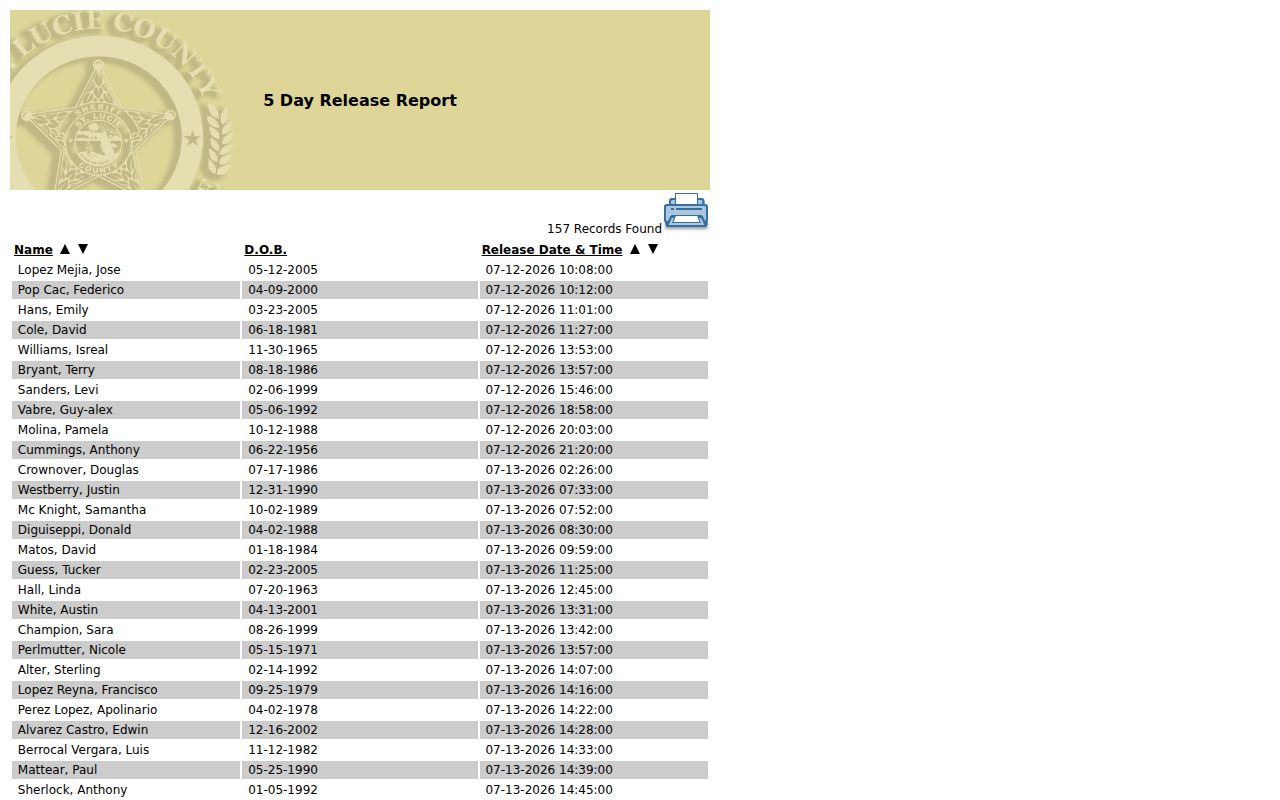
Move next to the Daily Arrest Reports, the arresting agency's records channel, and the Clerk case portal when the roster entry has expired.
Recent St. Lucie Arrest Reports
The Sheriff's Archive Center preserves Daily Arrest Reports apart from the live inmate search. Search controls include keywords, archive selection, time period, and start or end dates in month/day/year form. The split is a local access quirk: the roster answers a current custody question, while the archive can establish that an official daily report existed after a person has left the live window.
The official archive dropdown identifies Daily Arrest Reports as a distinct collection:
Neither source proves conviction. Confirm the court outcome through the Clerk because a booking count can change before filing and a daily report is a snapshot of the arrest stage.
Which St. Lucie Arrest Agency
Ask the arresting agency for its own report. The county jail does not replace a police narrative, even though most local arrestees are booked there. This division is especially important for Port St. Lucie and Fort Pierce incidents.
| Agency | Official route |
|---|---|
| St. Lucie County Sheriff's Office | Public-records portal or records custodian at 772-462-3299 |
| Port St. Lucie Police | City public-records portal or Police Records at 772-871-5047 |
| Fort Pierce Police | City public-records channel and Police Department at 920 S. US Highway 1 |
| State or campus agency | Request the report from FHP, FWC, or the specific campus office |
The Fort Pierce public-records page provides the city route for its police material:
A Fort Pierce police report and a Sheriff booking entry document different parts of one St. Lucie County arrest.
St. Lucie Arrests Reach FDLE
At intake, fingerprints and arrest-event data move through Florida's criminal-justice network to FDLE's Computerized Criminal History system. The State Attorney then chooses whether and what to file. The Clerk reports qualifying dispositions back to FDLE. A delayed report, unmatched agency identifier, or unlinked final result can leave a state arrest cycle without the disposition a reader expects.
For a public statewide name search, use FDLE CCHInet. The search costs $24, and Instant Search adds a $1 card-processing fee. For your own record, FDLE offers a free fingerprint-based Personal Review and challenge process. The official instructions show how that subject-only route works:
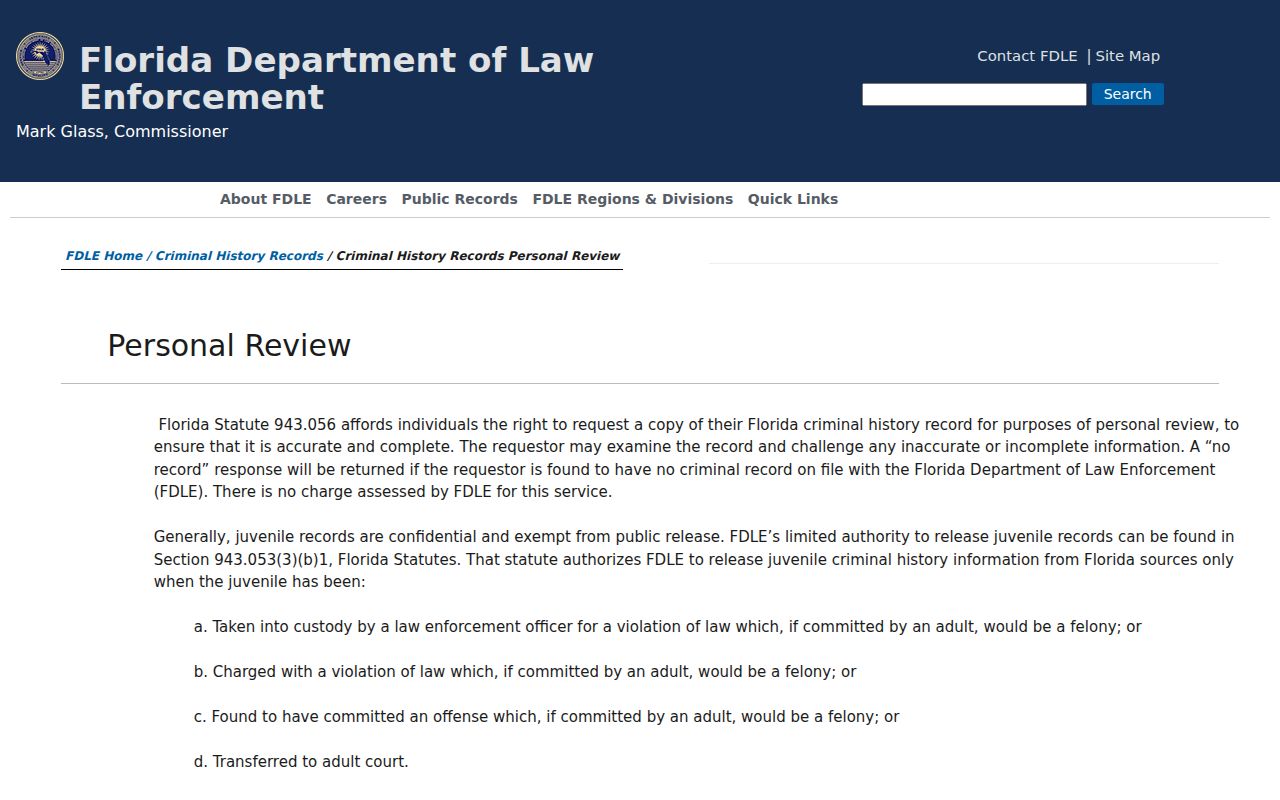
Personal Review is the stronger path when identity must be confirmed or a missing Florida disposition needs correction. It is not a request to erase an accurate arrest.
St. Lucie Arrests vs Convictions
An arrest reflects legal custody and booking. A conviction follows a plea or verdict and judgment in court. Compare the arresting agency's allegation with the St. Lucie County court case count and disposition before relying on a booking label.
| Arrest Record | Conviction Record |
|---|---|
| Created by the arresting agency and jail | Created by the Circuit or County Court and kept by the Clerk |
| Shows that custody and booking occurred | Shows an adjudication of guilt after plea or verdict |
| Lives in agency reports, jail systems, and an FDLE arrest cycle | Lives in the case file and qualifying FDLE disposition data |
| May end in release, no filing, dismissal, or later prosecution | May lead to sentence, appeal, sealing, or other post-judgment action |
Note: A St. Lucie County arrest is not proof of guilt, and the filed charge or final outcome may differ from booking.